Choosing a Home Assistant Device
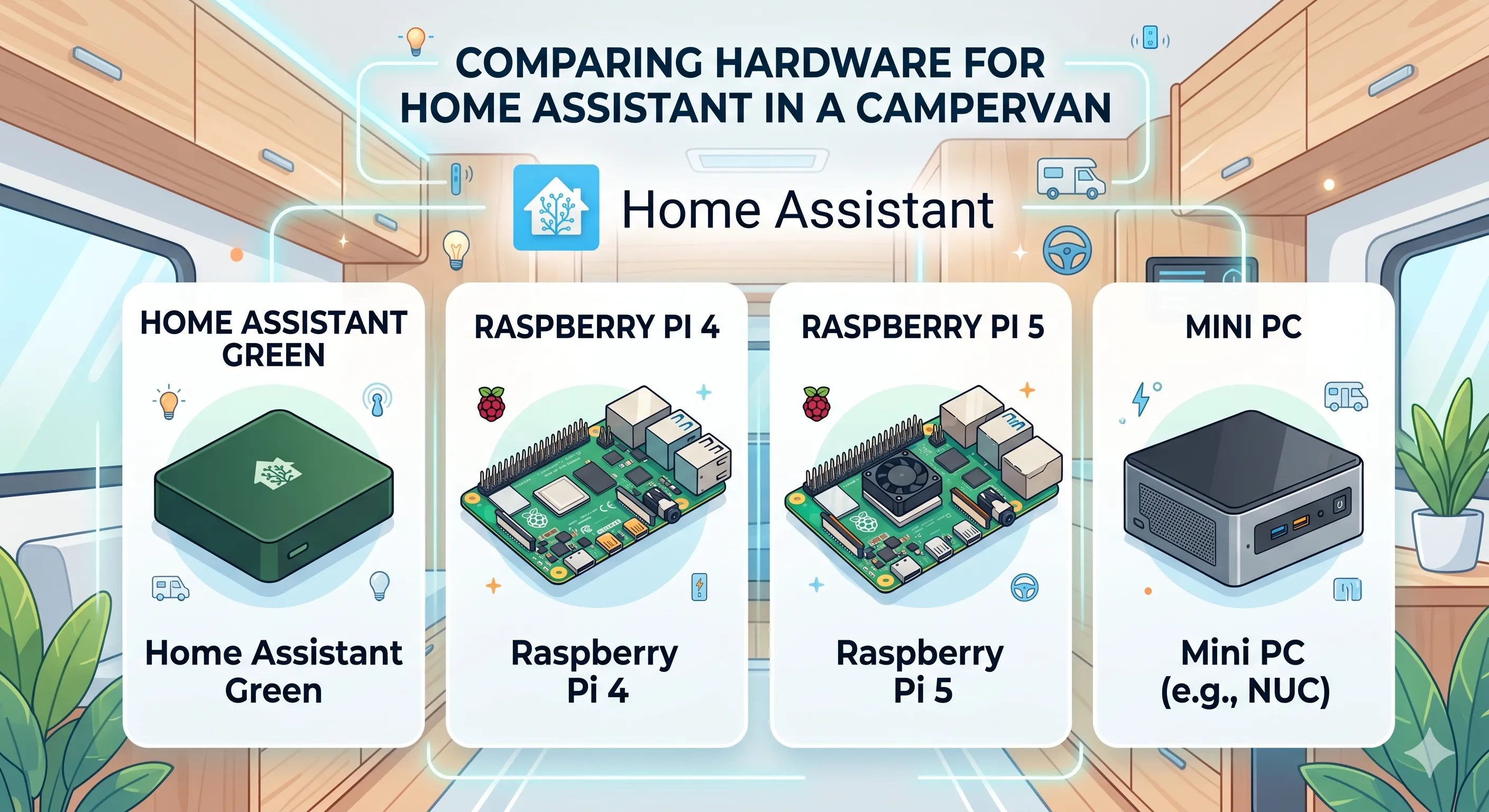
The first step to setting up Home Assistant is picking the right hardware. While there are many comparisons out there, the campervan environment presents some unique requirements that wouldn’t be present in a home. In this guide, I’ll be comparing the most popular hardware options including Home Assistant Green, Raspberry Pi 4/5, and a Mini PC like the NUC based on requirements specific for a campervan. All these options generally have plenty of processing power to run Home Assistant as well. I also won’t be comparing prices since they are constantly changing.
| Home Assistant Green | Raspberry Pi 4 | Raspberry Pi 5 | NUC Mini PC | |
|---|---|---|---|---|
| Idle Power Consumption | 1.7W | 1.375W | 2.5W | 6-10W |
| RTC (Real-time Clock) | Yes | No | Yes | Yes |
| Wifi | No | Yes | Yes | Yes |
| Bluetooth | No | Yes | Yes | Yes |
| Zigbee/Thread | No | No | No | No |
| Reliable Storage | Built-in eMMC storage | SSD needed | SSD needed | Integrated SSD |
| Power Source | 12V | 5V 3A USB-C | 5V 5A USB-C | 19V |
Power Consumption
Section titled “Power Consumption”| HA Green | Pi 4 | Pi 5 | NUC | |
|---|---|---|---|---|
| Idle | 1.7W | 1.375W | 2.5W | 6-10W |
The above data is what I was able to find online for the idle power consumption of each device. I looked for load data as well, but couldn’t find any comparable numbers between the devices.
While mini PCs are highly recommended for Home Assistant, the higher power consumption makes them not entirely viable for a campervan. If it averages 6W, the mini PC would use about 12Ah from a 12V battery which is quite a large percentage considering most people have 100-200Ah of power.
The Raspberry Pi 5 also draws significantly more power than the 4. Considering that the 4 should be plenty powerful enough for a campervan Home Assistant setup, this leaves the Raspberry Pi 4 and Home Assistant Green as the top two contenders.
Real-time clock (RTC)
Section titled “Real-time clock (RTC)”One of the largest drawbacks of the Raspberry Pi is that it doesn’t have a real-time clock (RTC). This means that if the Raspberry Pi 4 loses power (which is quite a bit more likely in a campervan), it needs an internet connection to reset the time (which is not always available in a campervan). Not having accurate time can cause issues with Home Assistant, especially if anything is automated on a specific schedule. An RTC can be installed on the Raspberry Pi 4, but requires a bit more technical expertise.
All 3 other devices on the other hand have an RTC built in.
All the devices have Wifi except Home Assistant Green. This is only a negative if you plan to install your Home Assistant device in a different location than your router though since you can connect the Green to your router with ethernet. Otherwise, a USB wifi adapter would be required.
Bluetooth
Section titled “Bluetooth”Again, all the devices have Bluetooth built in except Home Assistant Green. If you plan on integrating with any Bluetooth devices you will either need a USB Bluetooth adapter (which are quite cheap), or use a Bluetooth proxy with ESPHome
Zigbee/Thread
Section titled “Zigbee/Thread”None of the devices support Zigbee or Thread out of the box, so they all need a USB adapter. Here’s a good option for Zigbee. Or one that works for both Zigbee and Thread
Storage
Section titled “Storage”One issue with either Raspberry Pi is that the default storage option is an SD card. While these are cheap, they are also notoriously unreliable. Because of this, it is recommended to use an external USB SSD, or with the Raspberry Pi 5, an M.2 drive with the M.2 hat.
Home Assistant Green has built in eMMC storage, and Mini PCs have built in SSDs, so this is not a concern.
Power Source
Section titled “Power Source”Home Assistant Green has a 12V input which in theory makes it the best choice for a 12V system, but unfortunately in reality the voltage for a standard LiFePO4 battery can range from 10V to 14.6V. While the Home Assistant Green can most likely handle this voltage range, it is not documented anywhere and it would be a shame to fry such an expensive device, so I’d recommend using a 12V regulator for it.
Either Raspberry Pi just needs a USB-C outlet that supports 5V 3A for the 4, or 5V 5A for the 5. One like this should work
Different models have different input voltages, but many I’ve looked at use 19V and need a step up converter like this one. Be sure to check your individual model though.
Conclusion
Section titled “Conclusion”Home Assistant Green - The best option assuming it’s placed close to your router or you don’t mind routing an ethernet cable. A hard wired ethernet connection is generally recommended anyways for reliability. Bluetooth/Zigbee/Thread adapters can be added as needed, but no additional setup is required beyond this. It also comes pre-installed with Home Assistant so is the easiest to set up.
Raspberry Pi 4 - The best option for a wifi connected setup. Some additional technical expertise is required for setup if you are adding an RTC and external SSD (which are both recommended), but you can get started without these too. I’d also go with this over Home Assistant Green if I already had one on hand.
Raspberry Pi 5 - More power consumption than the 4, and adding an external SSD or M.2 SSD is recommended, but if you already have one on hand I wouldn’t hesitate to use it.
Mini-PC - Generally overkill for a campervan setup and draws too much power, but would still work. Just make sure you confirm the input voltage required for your model and buy the correct regulator.